
Give Your AI Radio Ears
A $55 receiver can give your AI agent local radio observations. Build a receive-only station with checked timestamps, private summaries and honest limits.

Chinese version: 中文版
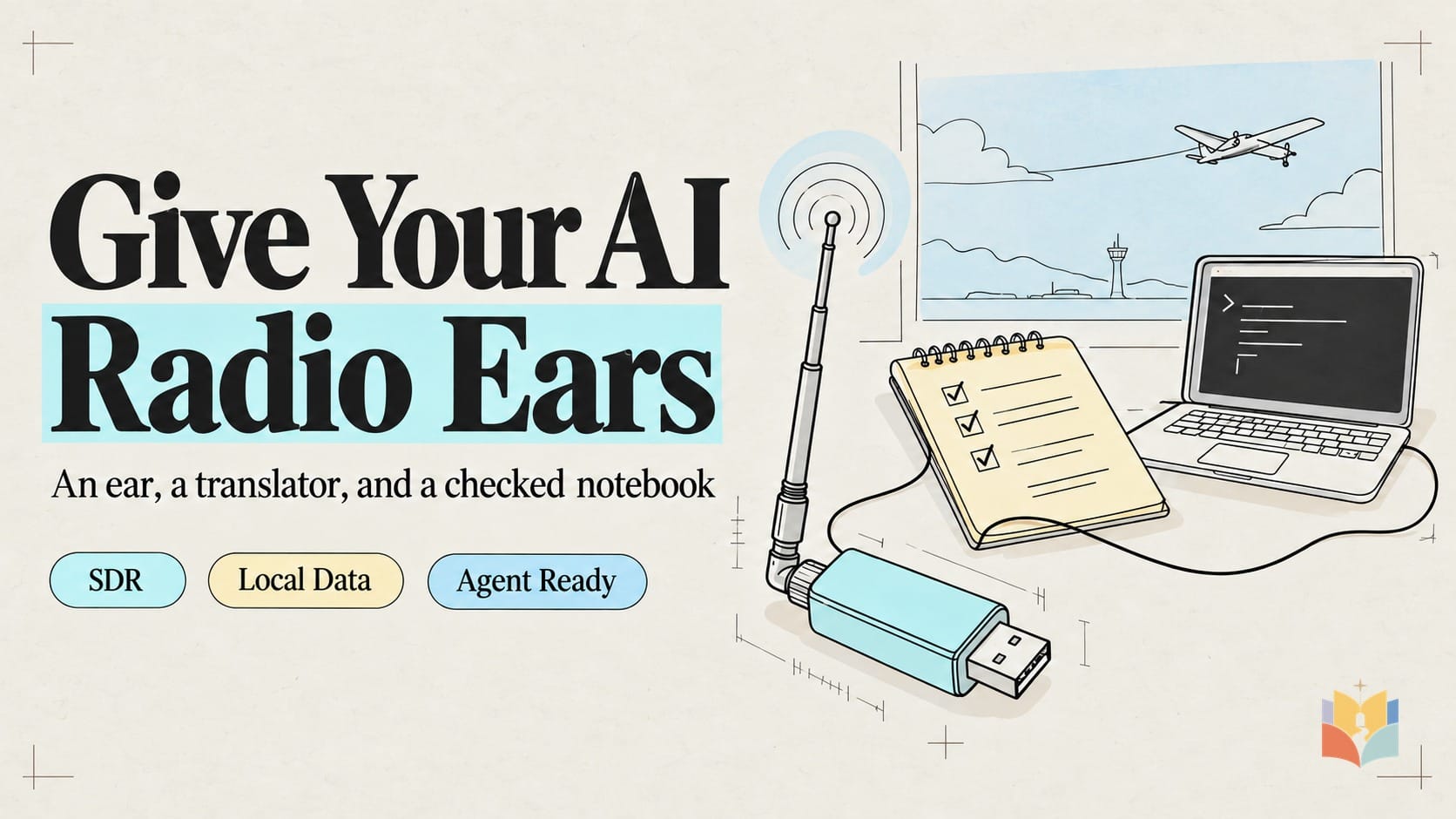
A USB receiver can give your computer a new sense: radio. The useful experiment is to hear a public aircraft report, translate it into structured data, and let an AI agent work from a checked summary. The receiver is the ear, the decoder is the translator, and timestamped JSON is the notebook.
This is a researched build guide, not a tested hardware demonstration. We have not physically operated this receiver. Any live result must come from your own hardware and be recorded separately from synthetic tests.
What the receiver actually hears
ADS-B-equipped aircraft broadcast information that can include their position, altitude and velocity. The position typically comes from onboard satellite navigation; your receiver is hearing the aircraft’s report, not a satellite image. See the FAA ADS-B explanation. Start with readsb at 1090 MHz. Some US aircraft use the other ADS-B link, UAT at 978 MHz, so this setup cannot promise every aircraft.

tar1090 supplies an optional browser view. The essential output is the readsb JSON schema: some entries lack usable coordinates, and a recent message can contain an old position. Check the file’s now timestamp and each position’s seen_pos separately. seen is message age; stale lastPosition must never count as a fresh position. Static receiver.json metadata alone cannot establish receiver freshness or uptime.
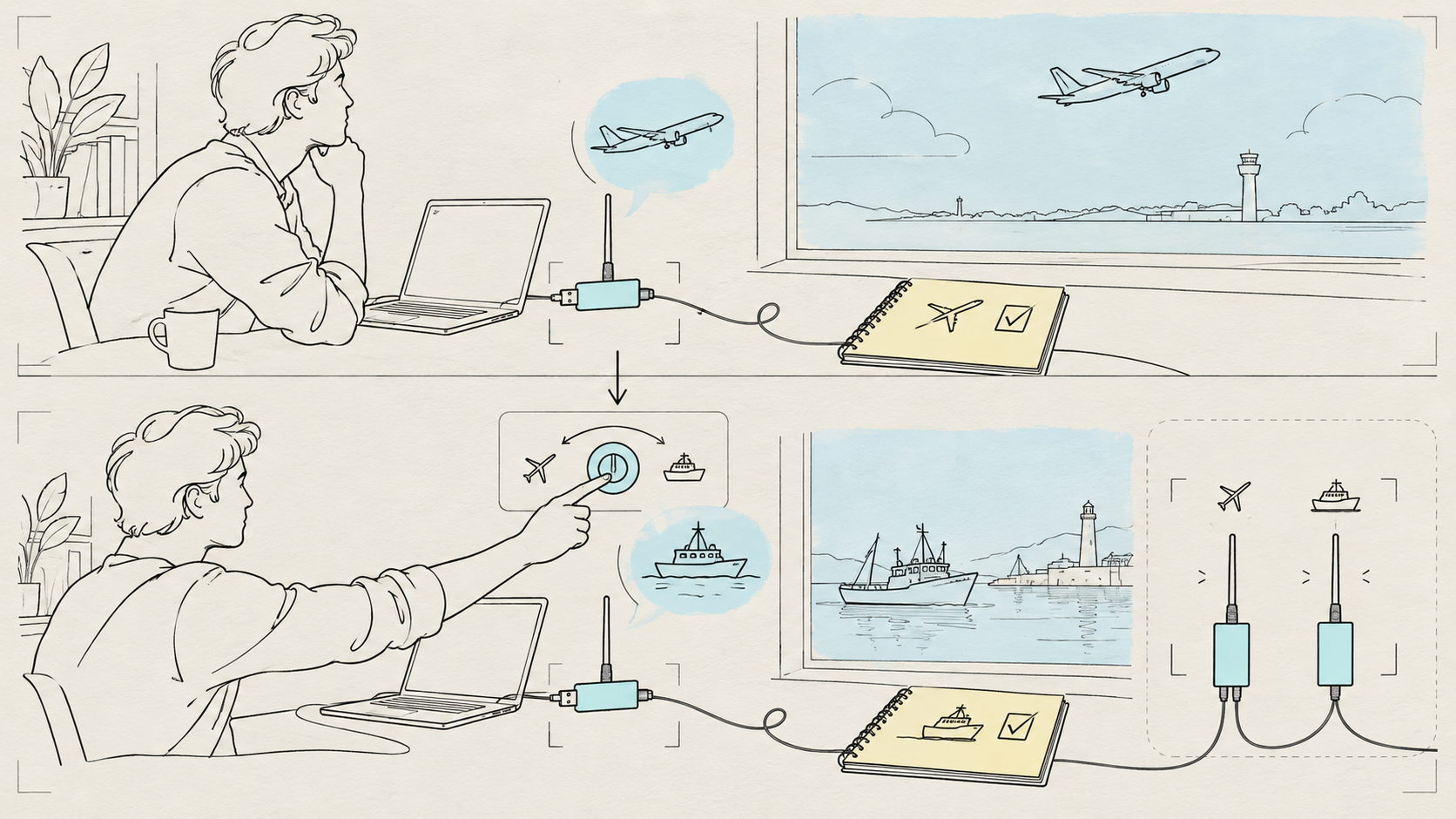
For ships, AIS-catcher supports suitable RTL-SDR receivers; follow its AIS-catcher quick start. AIS uses marine VHF around 162 MHz. Nearby active waterways and suitable receiving conditions are necessary. One tuner cannot receive 1090 MHz and marine VHF simultaneously: stop the aircraft decoder before switching, or use a second receiver and suitable antenna.
Internet spectacle, research evidence, home reality
| Layer | What the source supports | What it does not establish |
|---|---|---|
| Internet spectacle | Bilawal Sidhu’s God’s Eye View combines aircraft, ships, satellites and other public feeds in a globe interface. | A worldwide map does not show the RF coverage of one desk antenna. Each feed retains its permissions, quotas and licensing boundaries. |
| Research | LoVe is in the Air examines location verification of ADS-B using distributed public sensors and identifies missing message authentication. | Multiple receivers and research validation are different from one indoor antenna. An LLM cannot authenticate a broadcast position by sounding confident. |
| Around-$55 home | Nooelec NESDR SMArt v5 bundle, readsb and AIS-catcher provide a documented path to decode locally received reports. | No guaranteed range or aircraft count; no ship reception inland; no simultaneous aircraft/AIS from one dongle; no safety-critical or navigation use. Empty reception is not proof that traffic is absent. |
Parts and current buying context
Prices checked 11 October 2026, USD before shipping and tax. Store availability is a point-in-time observation; verify the current SKU, price and delivery to your country before ordering. Existing agent subscription or API charges are separate.
| Part | Budget | Purpose / source |
|---|---|---|
| Receive-only NESDR SMArt v5 bundle, SKU 100700 | $54.95 | Nooelec NESDR SMArt v5 bundle. Includes receiver, antenna base/cable and interchangeable antenna masts. |
| Compatible existing Linux laptop, mini-PC or Raspberry Pi with USB | $0 reused | Run a documented compatible decoder; no special AI accelerator is needed for demodulation. |
| Receiver only, if you already own a suitable SMA antenna | $44.95 | Official receiver listing. Not a complete kit for someone without an antenna. |
| Optional second bundle | Another ~$55 | For continuous aircraft and AIS modes together; about $110 for two kits, plus shipping/tax. |
| Optional band-specific antenna upgrade | Not costed; optional | Start indoors with compatible antennas. No drilling, rooftop work or exposed outdoor antenna is part of this starter path. |
The manufacturer datasheet lists FCC, CE and IC certification. These are manufacturer statements, not tests performed by Wiki4What. Buy genuine stock with documentation appropriate to your market. Check applicable requirements, including Japan’s Giteki where relevant; we have not established whether Giteki applies to this receive-only SKU. FCC/CE does not establish compliance everywhere.
Reception and use are country-dependent. The US federal interception statute includes a marine/aeronautical exception in 18 USC §2511, §2511(2)(g)(ii)(IV); this is not universal clearance under every law. Ofcom guidance distinguishes receiver permission from interception and disclosure rules. Ask your agent for current official guidance and confirm permission yourself. Without confirmation, use clearly labeled synthetic fixtures.

A bounded bridge to Claude Code or Codex
Public civilian signal → receive-only dongle → one decoder → local timestamped output → deterministic checks and data minimization → aggregate local file → terminal agent. The minimizer removes callsigns, ICAO/MMSI identifiers, exact coordinates and individual histories before anything reaches a cloud model. This is a proposed small project to build and test, not an officially tested ready-made integration.
Paste the full request below into Claude Code or Codex on your own development computer. The agent can inspect the environment, explain installation, write fixture tests and build the summarizer. You confirm jurisdiction, attach the receiver and antenna, choose a safe indoor placement and approve privileged installation.
Build me a local, receive-only SDR learning project on this computer. First
inspect OS/architecture and USB devices without printing secrets. Ask me my
country, link current official guidance for this civilian ADS-B/AIS reception,
and ask me to confirm permission. Do not confer personalized legal clearance.
If permission is not confirmed, start in synthetic fixture mode; label all output.
Use only my computer and receiver. Never transmit, scan unrelated bands,
decode pagers/private communications, identify owners or people, feed a public
tracking service, forward raw contacts to a cloud LLM, or expose a server.

Read current upstream docs at github.com/wiedehopf/readsb,
github.com/wiedehopf/readsb/blob/dev/README-json.md,
github.com/wiedehopf/tar1090 and github.com/jvde-github/AIS-catcher.
Show dependencies and inspected install commands before privileged steps.
Prefer documented package/build procedures; do not pipe an uninspected remote
script into a root shell. Record versions/commits and reversible uninstall steps.

Default to aircraft-only readsb with my receive-only RTL-SDR at 1090 MHz.
Use a data directory owned by me. Have readsb produce aircraft.json and
receiver/stats output per its current documented options. Implement a small
local summarizer using the published JSON schema: validate aircraft.json `now`
against the local clock, with an explicit configurable file-freshness threshold
(default 30 seconds). Count recently updated positions only when current `lat`
and `lon` are present, valid, and `seen_pos` is within an explicit configurable
position-age threshold (default 15 seconds). These defaults are project choices,
not upstream accuracy guarantees. `seen` is latest message age, not position age;
never count stale `lastPosition` as fresh. Report the data timestamp and last
successful read, with stale/no-position counts separately. receiver.json is
mostly static metadata: never use it alone as freshness or uptime proof.
Exclude callsigns, ICAO/MMSI identifiers, exact coordinates,
registration/owner lookup and individual history. Do not equate all entries with
positioned aircraft. Write timestamped aggregate JSON to a local file. Reject
malformed input, missing timestamp and stale files; state 'unknown/stale', never
'no aircraft'. Add fixtures for fresh/stale files, recent messages with stale
positions, stale `lastPosition`, missing `seen_pos`/coordinates, malformed input,
and timestamp anomalies. Unusable position ages produce unknown, not fresh.

I will physically plug in the receiver/antenna and choose a safe indoor window.
Guide me through USB detection, library/driver checks and a short capture;
if reception is empty, report that honestly and diagnose placement/gain/USB.
Never fabricate a successful physical build. Optional tar1090 stays on loopback;
do not show my location or live contacts in public screenshots.

Only if I choose ships and have lawful reception plus nearby marine traffic,
stop the aircraft service before AIS-catcher uses the same dongle. Follow the
current local control-panel/CLI docs, marine VHF antenna guidance, and output
schema. Keep all public/community-feed outputs off. Create a separate local
aggregate summary with receiver health/freshness, no vessel identities/tracks.
One receiver cannot listen to aircraft and marine VHF simultaneously.

When the basic path works, offer a user-level periodic task that records local
aggregate receiver health. On explicit request only, expose aggregate metrics
on my private Home Assistant/MQTT instance. No public port forwarding. Give me
three useful commands: summarize today's reception quality; explain stale or
empty data; compare antenna placements from anonymized counts. Test fixtures,
then document observed live results and limitations separately.
What counts as a successful build
- Record the receiver SKU, current software versions/commits and applicable market documentation. Confirm lawful live reception or visibly label fixture mode.
- Detect actual USB hardware; match decoder and antenna to the selected band. Resolve one-dongle conflicts by stopping the previous decoder.
- Keep raw contacts local. Share only aggregate counts, timestamps and receiver health; keep public feeds off and interfaces on loopback.
- Pass fresh, stale, missing and malformed tests plus recent-message/old-position, stale lastPosition, missing coordinates/seen_pos and timestamp anomalies. Default 30-second file and 15-second position thresholds are configurable project choices, not upstream accuracy guarantees.
- Record actual live observations independently. Compare indoor placements at similar times for one or two weeks, logging gain, antenna, USB stability and freshness. Preserve stop/uninstall instructions. A stale or broken receiver means unknown, not an empty sky.
Useful agent requests: “Summarize today’s reception quality”; “Explain why the data is stale or empty”; “Compare these antenna placements using anonymized counts.” Add user-level scheduling only after the basic path works. Private Home Assistant/MQTT aggregate metrics are optional and require your explicit request; no public port forwarding.
Five ordinary-home scenarios
| Situation | Practical choice | Boundary |
|---|---|---|
| Living alone | Reuse one computer and an indoor kit; summarize receiving quality. | No intrusion detection, presence monitoring or following individuals. |
| Elderly relatives or children | Supervise a lesson in signals, records and stale data; tuck cables away. | No fall detection, child location or emergency alerts. |
| Pets | Secure the antenna base and cover cables out of reach. | Aircraft reports contain no pet information; this is not pet tracking. |
| Rental / no drilling | Use a permitted indoor window and accept coverage limits. | No roof work, holes or property alterations. |
| Travelling | Shut down, or use existing approved private access to aggregate receiver health. | Do not expose an admin port or use this for flight status or home-safety assurance. |

Privacy, sources and images
Keep this experiment focused on local learning and receiver quality. IMO AIS guidance raises security concerns about publishing AIS information. Do not identify owners, follow particular people, decode private communications or publish individual aircraft/vessel histories. Receiving a report does not independently establish its truth.
The primary source pages linked above were checked for this episode on 11 October 2026. readsb, tar1090 and AIS-catcher are open-source projects; inspect each current license and the terms of any data feeds before reuse. The video’s webpage screenshots come from the linked FAA, GitHub, arXiv, Nooelec and IMO pages and are shown only for illustration. Generated diagrams, map dots and example records are illustrative or synthetic, not live reception. Screenshot prices may change; no screenshot proves hardware performance.
A modest receiving station teaches a valuable habit: separate the signal, the decoded claim, the freshness check and the agent’s interpretation. Ask what evidence the notebook actually contains before asking an AI what to do with it.
Watch more first-principles field guides on Wiki4What, or read the essays at blog.wiki4what.com.