
Wi-Fi That Knows You Moved: A Practical ESP32 Field Guide
A practical guide to turning Wi-Fi CSI into a narrow, local motion signal for a home AI agent—without pretending it is a camera, occupancy proof, or safety sensor.

Chinese version: 中文版
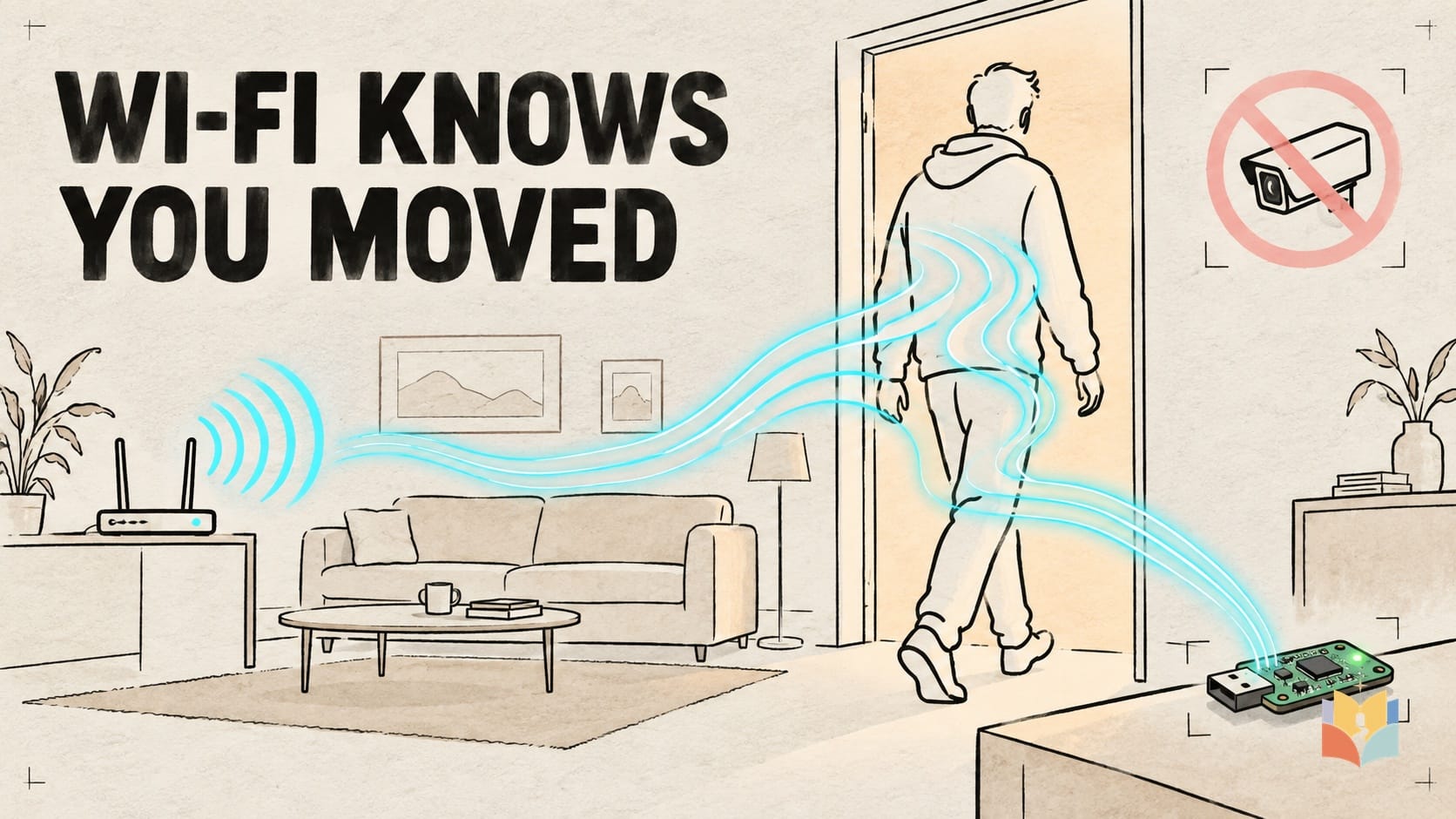
A room can notice that you moved without recording a face, a voice, or a video. The surprising part is not that Wi-Fi becomes a secret camera. It is that the radio paths already crossing the room behave like an invisible tripwire—and a small ESP32 can measure when that tripwire ripples.
This guide turns that idea into a modest, privacy-first weekend build: one locally processed motion signal, Home Assistant as the control layer, and Claude Code or Codex as a configuration helper. It is not an identity system, an alarm, a medical monitor, or proof that a room is empty.
The room-sized tripwire
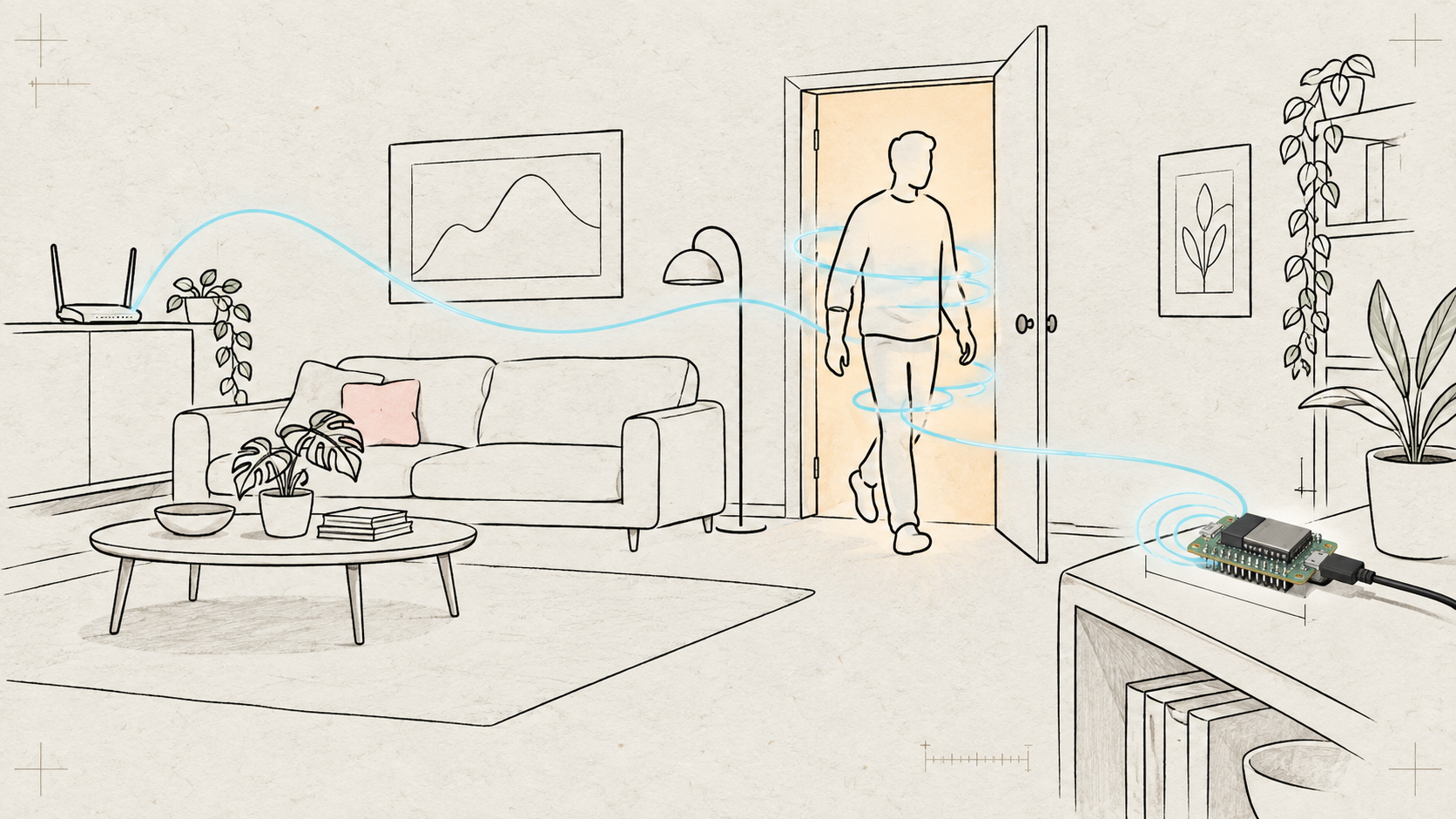
A Wi-Fi transmission reaches a receiver by many paths. Some energy travels directly. Some reflects from walls, furniture, metal objects, and people. Those copies arrive with different strengths and timing, creating a multipath pattern. When a body moves, several paths change together.
Modern Wi-Fi divides a channel into many narrow OFDM subcarriers. Channel state information, or CSI, describes how those subcarriers changed between transmitter and receiver, including amplitude and phase information. Think of a piano whose closely spaced strings are disturbed in different ways when someone crosses the room. A sensing system studies the changing pattern rather than taking a picture.
Hype, laboratory, and home are three different products
Internet hype: headlines say Wi-Fi can see poses through walls or identify people. There is real research behind part of that excitement. DensePose From WiFi, for example, maps radio measurements to a representation of human body pose. But trained experimental systems are not equivalent to a normal router receiving a software update.
Laboratory and scaled systems: engineered deployments can infer richer information, but reliability comes from controlled hardware, training data, calibration, and extensive handling of pets, multiple people, chipset differences, and edge-compute limits. A 2025 large-deployment report described 92.61% motion accuracy in its engineered system and reduced non-human false alarms from 63.1% to 8.4%. Those numbers describe that deployment, not a promise for every home.
The weekend build: a supported ESP32 can answer a much smaller and more useful question: did the radio environment in this sensing area change in a way that resembles motion? Expect false triggers from pets, fans, curtains, doors, robot vacuums, furniture changes, and Wi-Fi changes. Expect missed detections when someone stays still.
The practical stack: ESPectre, Home Assistant, and an Agent
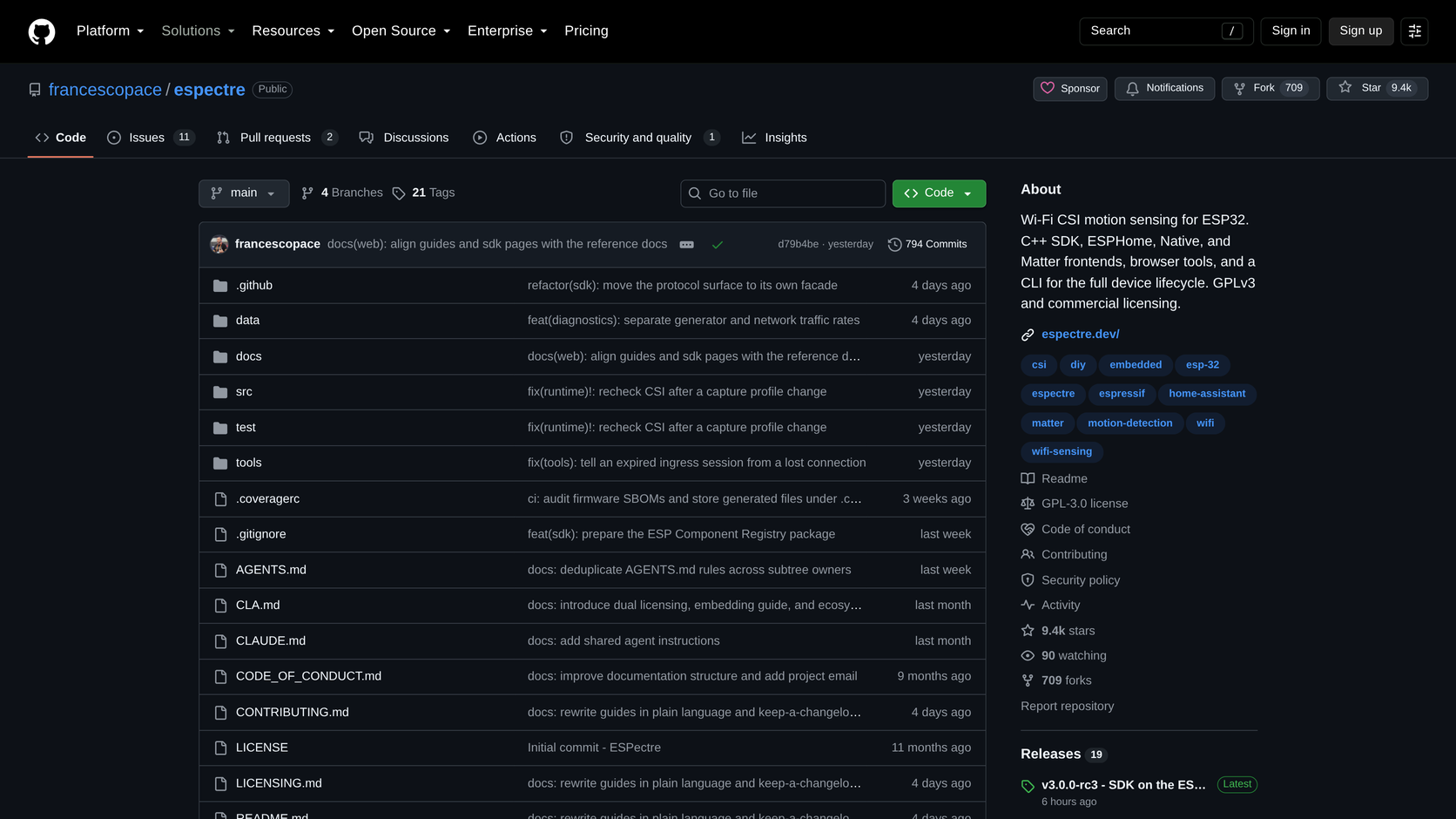
The open-source ESPectre project turns supported ESP32 boards into local Wi-Fi motion sensors. At the time of this episode's research, the repository was active, licensed under GPL-3.0 for its first-party open-source code, and offered browser flashing plus ESPHome, MQTT, Matter, local HTTP, and SDK paths. For a dependable home build, use ESPHome or MQTT to publish a Home Assistant entity.
The safe data flow is intentionally layered: room motion changes Wi-Fi multipath; ESPectre computes a motion state and score locally; Home Assistant debounces and combines that state with time, lights, or an explicit away mode; the official Home Assistant MCP server exposes only selected entities and actions; a terminal Agent helps write and validate the configuration.
Minimum bill of materials
Wi-Fi node: a supported, market-certified ESP32-S3 board. The official Seeed XIAO ESP32S3 listing showed US$7.49 and in stock when checked on 27 September 2026; allow roughly US$8–15 before shipping. Power: an existing USB data cable and safe USB supply, usually US$0–8. Hub: an existing Home Assistant machine, old mini-PC, Raspberry Pi, or NAS. One board is best treated as one sensing area, not whole-home coverage.
Buy the exact finished wireless model with the approval required where you live: Japan's 技適/MIC, the United States' FCC authorization, or EU CE conformity. An ESP32 family name on a marketplace page is not certification for the finished product. Espressif maintains a certificate directory, and Seeed publishes the FCC grant for the XIAO ESP32S3.
If the actual need is detecting a person who remains motionless at a desk or in bed, add a certified finished LD2410-family millimeter-wave presence sensor for roughly US$10–20 after checking current local price and approval. ESPHome supports moving, still, and combined target states. It is a useful second sensor, not medical or safety equipment.
Build and calibrate before automating
Start in one room that you control and where everyone affected has consented. Put the USB-powered board on a shelf, away from a constantly moving fan or curtain. Confirm that the network is compatible with the project's current 2.4 GHz requirements. Follow ESPectre's current browser-flash or ESPHome documentation, and stop before flashing until the exact board and serial device have been verified.
For seven days, test ordinary disturbances: walk through, sit still, open a door, run a fan, let a pet cross, move a chair, and restart an access point. Log only the event and score needed for tuning. Add roughly a ten-second debounce and a two-minute clear delay as a starting point, then adjust to the room. Do not attach an important action until the false-positive and missed-detection patterns are understood.
A paste-ready prompt for Claude Code or Codex
Paste the following into your terminal Agent, then answer its physical-device questions yourself:
You are configuring a privacy-first Wi-Fi motion sensor that I own, on my own network and in a room where everyone has consented.
1. Inspect my OS and confirm Git, a Chromium-based browser, and Home Assistant/ESPHome access without printing credentials.
2. Use only the official ESPectre documentation at https://github.com/francescopace/espectre and the official Home Assistant MCP Server documentation.
3. Ask me to connect my certified ESP32 board by USB. Do not flash anything until I confirm the exact serial device and board model.
4. Guide me through ESPectre's current browser-flash or ESPHome path. Keep CSI processing local. Do not enable raw CSI collection or cloud upload.
5. Create a Home Assistant motion entity named wifi_motion_lab, add a 10-second debounce and a 2-minute clear delay, and log events for calibration without recording names, audio, images, or precise routines.
6. Create three disabled-by-default automations: turn on a desk light after dark, suppress non-urgent notifications while motion is active, and alert only when motion coincides with my separately configured away mode. Never unlock doors, disable alarms, or infer identity.
7. Expose only the minimum entities needed through Home Assistant's official MCP server. Prefer OAuth; do not open an unauthenticated port.
8. Validate the config, show the exact diff, and give me a 7-day calibration checklist. Stop and ask before any external network exposure or destructive change.
The Agent can inspect prerequisites, prepare YAML, guide the supported flashing path, scope MCP entities, validate syntax, and build a calibration view. It cannot choose a certified board for your jurisdiction, grant household consent, confirm a USB device on your behalf, decide placement, or physically test edge cases. Keep hazardous controls—door unlock, alarm disable, unrestricted shell—outside its toolbox.
Five homes, five boundaries
Living alone: combine motion with an explicit away mode before alerts; no motion is not proof that the home is empty. Older adults or children: use it for convenience lighting or comfort only, with purpose-built certified equipment for safety. Pets: lengthen delays, tune for a week, and combine another sensor before security alerts. Renters: use a shelf and removable cable clips; no drilling or mains work is required. Travel: leave processing local and use a supported secure remote-access route—never a publicly exposed, unauthenticated HTTP, MQTT, or MCP endpoint.
Camera-free does not mean information-free
A timestamped motion history can reveal routines even though it contains no face or voice. Keep raw CSI collection off unless conducting a defined local experiment. Minimize logs and retention, protect access, explain the system to affected people, and never deploy it to monitor a roommate, tenant, partner, hotel guest, neighbor, or shared space without informed consent.
The honest black technology is not an invisible camera that knows everyone. It is a cheap, local tripwire that gives an Agent one useful bit of context, inside limits you can test and understand. The repository screenshot accompanying this article is shown only to identify the current public project; project status, prices, availability, and documentation can change, so re-check the linked primary sources before buying or flashing hardware.
Watch more first-principles field guides on Wiki4What, or read the essays at blog.wiki4what.com.