
Give Your AI a House Key: A One-Lamp Home Assistant MCP Trial
A first-principles guide to Home Assistant MCP: restrict API scope, inspect exposed tools, and verify one explicitly approved lamp action. Includes the distinction between prompt guidance and access c...

Chinese version: 中文版
You ask for a desk lamp to turn on, and the physical world changes. That is the interesting threshold: an AI assistant has moved from describing your home to operating a piece of it. The useful question is which authority made that possible—and what evidence would show it worked.
Think of hiring an assistant for one reading room. A polite job description cannot narrow a master key. Home Assistant supplies the device connections; the agent interprets your request; MCP supplies a common way to discover and call tools. The permission must match the job before the prose can help.
This is a documentation-based build guide, checked on October 18, 2026. We did not install this equipment or operate a physical lamp for this episode. Start with a nonessential lamp you own, with the household’s consent.
The promise, the research, and the home trial
| Layer | What the evidence supports | What it does not establish |
|---|---|---|
| Internet promise | Home Assistant’s October release makes connecting an AI easier with a dedicated AI settings page and a one-click route. | Connection convenience is not a guarantee of correct device choice or appropriate autonomy. |
| Controlled research | SimuHome studies time-dependent smart-home tasks in simulation; Home Assistant datasets supplies synthetic homes and expected actions for model evaluation. | Neither is certification that a model can supervise an older person, feed a pet, or handle emergencies in your home. |
| Ordinary home | With compatible equipment, attempt a read → explicit approval → one lamp action → state readback sequence. A person checks the actual light. | No measured household success rate is claimed here. A convincing answer alone does not pass the test. |
Choose the service desk before drawing its map
Home Assistant represents devices and functions as entities: a switch or light, for example. Brightness can be an attribute of a light entity; one physical device can have several entities. An integration connects a supported device or service to Home Assistant. Give the test entity a distinctive room-and-purpose name. Entity, state and attribute reference.
The built-in Assist API, also called Device control, works with exposed entities and cannot administer Home Assistant. The broader administrative Home Assistant API is not confined by that entity list. Restricting the API and selecting exposed devices are separate steps. Built-in API scope documentation.
- Open the MCP integration’s configuration. For this trial, turn off Expose all LLM APIs and select only Assist / Device control. Do not choose the broad My MCP full-control route.
- New MCP installations default to all LLM APIs, including later additions, and an administrator requirement. Earlier installations retain previous settings; inspect yours rather than assuming a default. Leave the administrator requirement enabled for this trial. Current integration options.
- Review every exposed entity, script and resulting tool. Exposed scripts can become callable tools. Leave only the harmless lamp and tools needed for it; hiding other entity names does not rule out indirect actions. Assist exposure and script guidance.
- Copy the restricted connection URL from the current AI interface, and inspect the tools and context the client actually receives. Stop if unexpected devices or operations appear.
These are boundaries for this connection, not a claim that your administrator account or terminal agent has become powerless elsewhere. A terminal agent can have other file and command access. Prompt text is behavioral guidance; enforce authorization with configuration, authentication and actual client approval controls.
A shopping list that starts with what you already own
| Item | Added cost | Conditions |
|---|---|---|
| Existing Home Assistant OS host or suitable spare x86-64 computer | $0 if reused | Storage, power and Ethernet still required. Without a spare, price a host separately. |
| Existing supported nonessential lamp | $0 if reused | Use its working integration first; no new plug is needed. |
| Optional US Tapo P125M Wi-Fi Matter plug | About US$12 before tax and shipping | Official US store listing checked October 18, 2026; price and stock can change. Match US socket, voltage, model and revision. |
| Existing router, phone and network | $0 if reused | Companion app, Bluetooth during pairing, functioning local IPv6 and mDNS discovery. |
| Terminal agent and model | Separate plan or API charges | Not included in the plug price. A remote model may receive selected home context. |
Official US price listing and manufacturer specifications are the purchase references, with no affiliate link. Twelve dollars buys the optional plug, not a complete new smart-home system. The P125M switches power; it is not a lamp dimmer.
The manufacturer’s US datasheet lists FCC, UL and Matter. Match the regional model, revision and markings before purchase. These marks address different requirements: Matter compatibility and UL do not replace radio approval. Outside the US, choose a locally certified equivalent: 技適 in Japan, the appropriate CE version in the EU. This US example is not an import recommendation, and no Japanese or European SKU is verified here.
What you do, and what the agent can do
- Get ordinary Home Assistant control working first. If installing HAOS on a spare computer, select and approve the target drive yourself: the generic x86-64 installation can erase it. A suitable VM is another option, with its own networking work. Do not casually overwrite a daily-use computer.
- Use a sealed, correctly rated plug and a nonessential desk lamp. No opening hardware, mains wiring or battery changes. Keep the manual button accessible. Pair privately with the current Companion app and name the device clearly.
- Follow the Matter guide. This Wi-Fi Matter plug needs no Thread radio or border router. Phone Bluetooth is used during commissioning; local IPv6 and multicast discovery must work. Internet connectivity alone does not prove local discovery is working.
- Have the agent read its installed MCP help and current documentation, show the proposed configuration change, then let you authenticate yourself. Never put a password, token or pairing QR in a prompt, screenshot or committed file.
The agent can inspect documentation, help diagnose setup, discover real tools, propose one action, read back state and explain disconnection. You handle the plug, pairing, permissions and physical observation. Local Home Assistant does not make an external language model local. Review the model provider before sharing context.
Paste this into your terminal agent
Use Codex, or another supported terminal client. The prompt is a job specification, not an access-control mechanism. Read it before pasting and supply only your own restricted connection URL when requested.
Help me connect my own Home Assistant to this terminal agent for a one-lamp trial. Read current official HA MCP and Matter documentation and your installed MCP CLI help first. I will provide the exact restricted Assist/device-control MCP URL after disabling Expose all LLM APIs and exposing only my nonessential test lamp. Do not choose My MCP/full control, enable future APIs, change account privileges, open ports, or read/paste/export secrets. Show me the configuration diff and let me authenticate myself. Use OAuth where supported; tell me if this client/version cannot securely connect instead of bypassing security. Discover the real tools and exposed entities; do not invent an entity ID or assume full REST access. First report my test lamp's live state without changing anything. If unavailable or ambiguous, stop and ask. Propose turning that exact lamp on, wait for my explicit confirmation, invoke once, and read its state again. Clearly distinguish reported state from physically observed light. Never touch locks, doors, heating, cooking, medical equipment, pet feeders or cameras. Do not install persistent automations. Give me a short log and steps to disconnect/revoke access. Any repeated routine should be a separately reviewed native HA automation with a manual override, not autonomous model improvisation.
Also review exposed scripts and indirect tools, not just entity names. Before the action test, show the actual client approval controls. If you act without my explicit approval, stop the trial and help me disconnect; do not retry until those controls are fixed.
For orientation, the official guide shows the Codex command below. Verify your installed help before using it, replace the placeholder with the restricted URL you copied, and complete browser authorization yourself. Do not copy an endpoint from an old tutorial or paste a secret here.
codex mcp add --help
codex mcp add homeassistant --url "<COPIED_RESTRICTED_ASSIST_URL>"
The official client examples also cover Claude Code, whose current documented connection requires HTTPS. Do not open ports or weaken TLS to make a client fit this exercise. Cloud website connectors require supported secure remote access. If secure authentication fails, stop and fix compatibility instead of bypassing it.
Acceptance test: keep the evidence separate
- Start with the lamp off. Verify manual control in Home Assistant and by the plug’s button. Ask the agent for state only; no change should occur.
- Ask an ambiguous request without authorizing a device change. For the trial to pass, nothing changes. If the client executes without explicit approval, the trial fails: disconnect and configure actual client approval controls before retesting.
- Approve turning on the exact named lamp. Invoke once, then obtain a fresh state readback. A human looks at the light. Record “switch reports on” separately from “light observed.” A powered switch cannot prove an unplugged or failed bulb is shining.
- Test an unavailable-device case. Require an honest unknown or error, not an invented success. Keep a short log of wrong names, connection failures and surprising actions.
- Disconnect the agent and revoke its authorization if ending the trial. Confirm manual control still works. Repair every failed criterion before adding another device.
Adapt the trial to your household
| Situation | Useful starting point | Keep outside this trial |
|---|---|---|
| Living alone | One reading lamp with a reachable manual override. | Presence inference, emergency response or essential-device control. |
| Older adults or children | Adult-supervised lamp commands and simple names everyone recognizes. | Care monitoring, unattended safety decisions or child-accessible credentials. |
| Pets | A nonessential light, with household consent. | Feeders, heating and door control. |
| Renting / no drilling | An existing bulb or reversible sealed plug. | Rewiring, drilling or landlord-owned equipment changes. |
| Travelling | A separately reviewed native routine and supported secure access if needed. | Direct port forwarding or essential routines dependent on an improvising model. |
Locks, doors, heating, cooking, medical equipment, pet feeders and cameras remain outside the experiment. A lamp state is not a care monitor or a reliable observation of who is home.
After one successful lamp
For a recurring routine, draft a native Home Assistant automation with a defined trigger, conditions where needed and actions; review and test it separately and preserve an override. Automation basics. Do not require a new model judgment each evening to repeat an agreed schedule.
This Home Assistant MCP implementation currently does not support notifications; its Assist context resource is a snapshot. It is not automatically a live sensor-event feed. Implementation capabilities and limitations.
The house-key metaphor ends at the boundary of software configuration and account authority. The real achievement is being able to name the job, inspect the permission and verify the result before granting a second device.
Sources and illustration credits
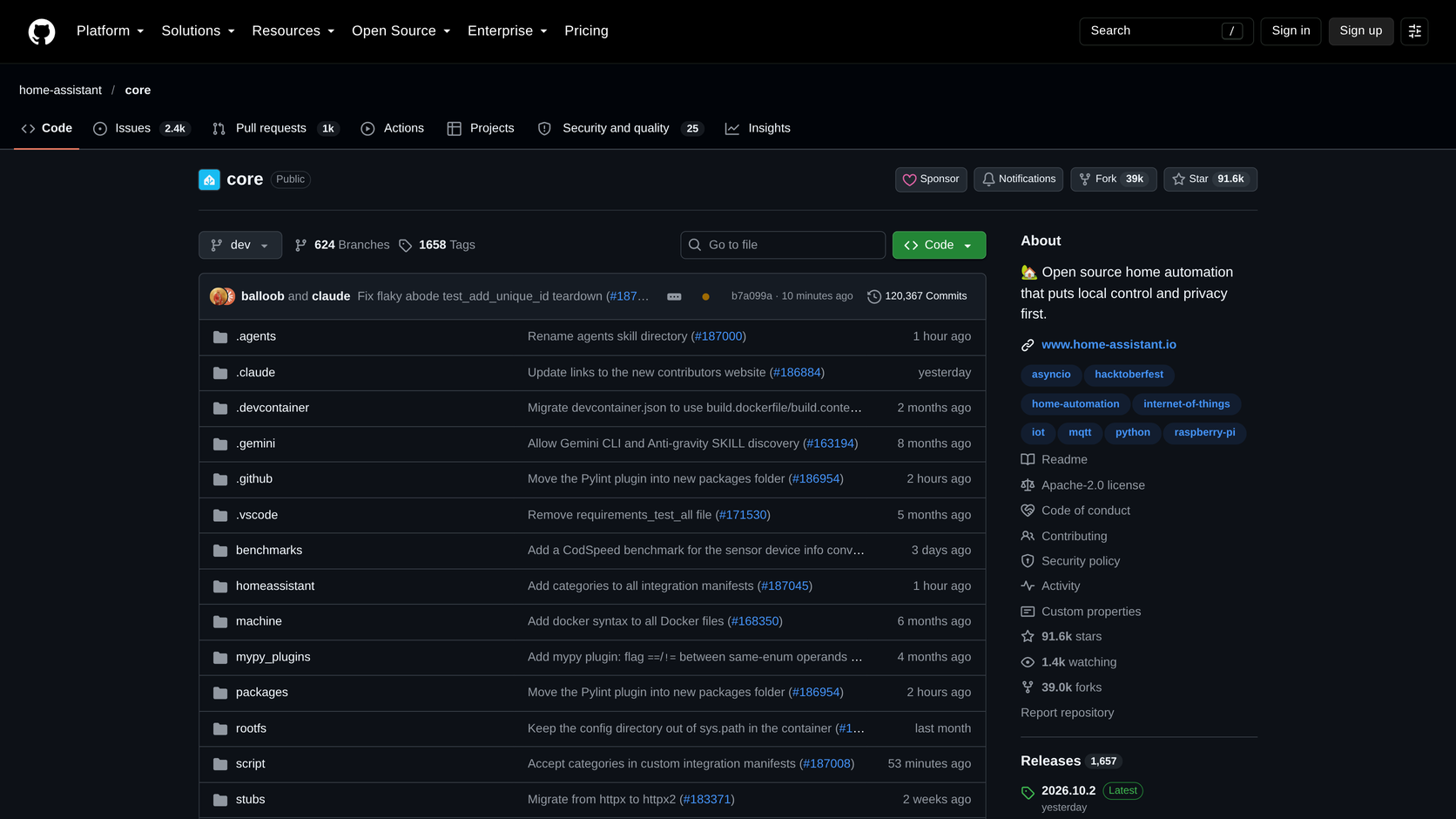
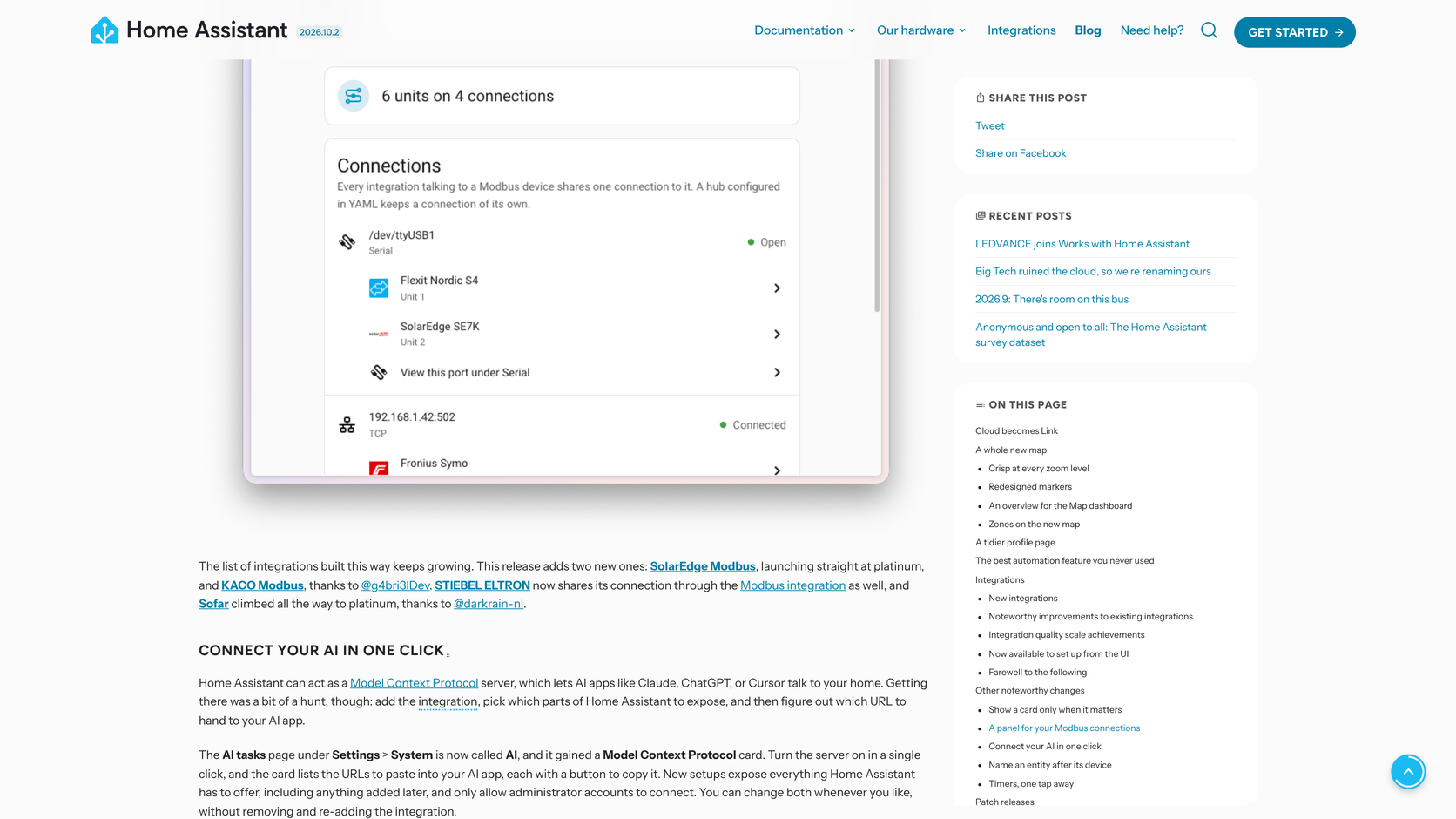
Primary references are linked beside the relevant claims. The open-source Home Assistant Core repository uses Apache-2.0. The episode’s two real webpage screenshots show that Core GitHub repository and Home Assistant’s October release page. Other scenes, including the MCP configuration, plug and Matter concepts, are conceptual illustrations, not exact official interfaces or product photographs. Screenshots illustrate public information; they are not evidence of a physical installation or test. Product availability and software defaults were checked October 18, 2026; recheck them before building.
Watch more first-principles field guides on Wiki4What, or read the essays at blog.wiki4what.com.